
Smart Doorbell & Security Camera Privacy Risks
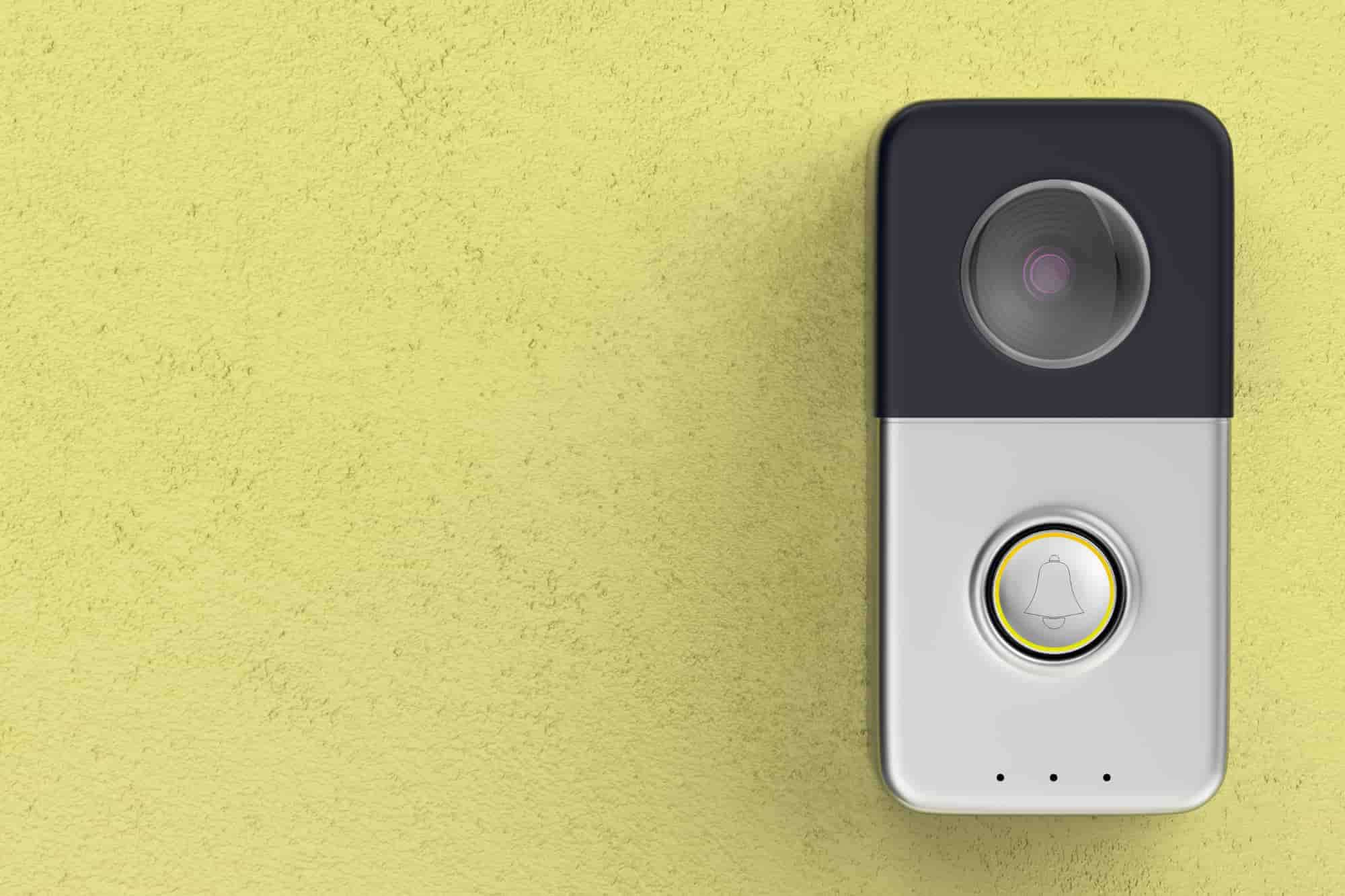
That little camera by your front door may be doing more than watching for visitors.
As video doorbells have become a fixture in millions of homes, questions about smart doorbell camera privacy have grown right along with them. These devices don’t just record who’s at your door. They can create a surprisingly detailed history of who visits your home, when they arrive, and how often. Depending on your settings and the company behind the device, that information may be stored in the cloud, shared with third parties, or accessible to more people than you realize.
Before installing a video doorbell, it’s worth understanding exactly what it records, where that data goes, and who may be able to access it.
Are Smart Doorbells Really Spying on You?
Not exactly. But they are collecting more information than many people realize.
Every time someone approaches your front door, a smart doorbell can record video, audio, motion events, and timestamps showing when people arrive and leave. Some models can also recognize familiar faces, identify packages, or distinguish between people, pets, and vehicles using AI-powered object detection.
The bigger question isn’t what your doorbell records. It’s what happens to that footage afterward.
Some doorbells save recordings locally on a memory card or home hub, giving you more control over your data. Others automatically upload footage to the manufacturer’s cloud, where it’s stored on remote servers and retained according to the company’s privacy policy.
That doesn’t mean your doorbell is secretly spying on you. But it does mean you’re trusting someone to protect a detailed record of activity outside your home, whether that’s the manufacturer storing your footage in the cloud or you managing it locally. Understanding where your recordings live, who can access them, and how long they’re retained is one of the most important steps you can take to protect your privacy.
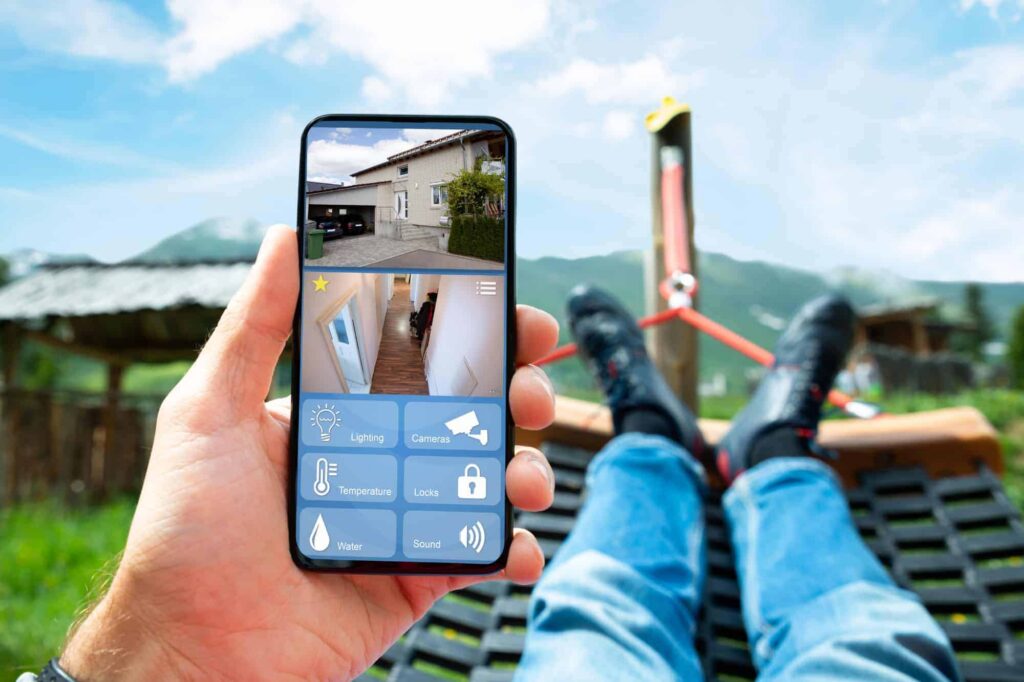
Smart Doorbell Camera Privacy: Who Can Access Your Footage?
Most people assume they’re the only ones who can view their doorbell recordings. In reality, several different parties may be able to access that footage, depending on how your device is configured, including:
You (and anyone you authorize)
Most smart doorbells let you view live and recorded video through a mobile app. You can also choose to share access with family members or trusted guests. If someone else has your account credentials, they’ll likely have access to the same recordings you do.
The manufacturer
Where your footage is stored matters. Some video doorbells save recordings locally on a memory card or home hub, while others automatically upload them to the cloud. Cloud storage is convenient, but it also means your recordings are stored on the manufacturer’s servers and handled according to its privacy and data retention policies. That’s why understanding your provider’s approach to smart doorbell camera privacy is just as important as choosing the right hardware.
Ring’s “Search Party” feature is a good example of how far that access can extend. Marketed as a way to reunite families with lost dogs, it lets Ring scan footage from cameras across an entire neighborhood, not just your own, looking for a match to a missing pet’s photo. Ring has said the feature can also flag early signs of wildfires and alert users when it may be time to evacuate.
The privacy concerns aren’t really about dogs. Some lawmakers have warned that scanning footage across a neighborhood this way could expand surveillance in ways that raise Fourth Amendment questions, since it relies on passive consent from camera owners and little to no awareness from neighbors whose property also gets captured.
Critics have pointed out that a system built to recognize a dog’s breed and size could, in theory, be adapted to recognize people. Search Party is turned on by default, though it can be disabled camera by camera through the Ring app’s Control Center.
Law enforcement
In some situations, companies may provide footage in response to a warrant, subpoena, court order, or certain emergency requests. Exactly when and how that happens varies by manufacturer.
Privacy practices have also come under scrutiny. In 2023, the Federal Trade Commission took action against Ring after finding that employees had been able to access customers’ private camera footage, including cameras inside bedrooms. It’s a reminder that understanding a company’s privacy practices is just as important as comparing features or price before bringing one of these devices into your home.
Cybercriminals
Like any internet-connected device, a smart doorbell can become a target if your account or home network isn’t secure. Weak passwords, reused credentials, or outdated firmware can make it easier for attackers to gain unauthorized access to your account or recordings.
The good news is that most smart doorbell camera privacy and video doorbell security risks are manageable. With the right privacy settings and a few basic security habits, you can enjoy the convenience of a smart doorbell while keeping your data better protected.
The Legal Gray Area: Doorbell Camera Privacy and Consent Laws
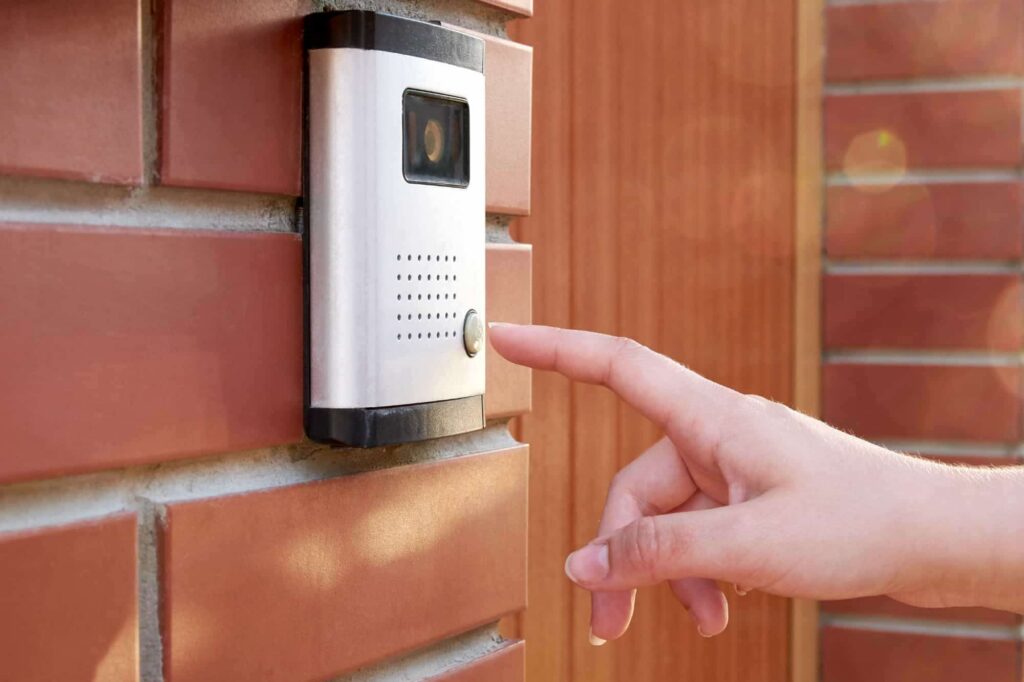
Video isn’t the only thing your doorbell is picking up. Most models have an always-on microphone, which means they’re capturing audio from anyone within range, including conversations you never intended to record.
This is where doorbell camera privacy gets legally complicated. A number of U.S. states require all parties in a conversation to consent before it can be recorded, not just one. In those states, an always-on microphone at your front door could technically capture a private exchange, like a conversation with a delivery driver, a contractor, or a neighbor, without that person’s knowledge or consent. The rules vary significantly from state to state, and what counts as a “recording” versus incidental audio pickup isn’t always clear-cut.
Most people buy a doorbell camera thinking of it as a security device, not as something that could carry legal obligations around audio recording. But if audio consent laws apply where you live, it’s worth checking what your doorbell captures by default and whether you can adjust or disable audio recording in the app settings.
Are Smart Doorbells Spying on Your Neighbors Too?
A wide field of view is one of the biggest selling points of a smart doorbell, but it comes with a downside. That same lens can easily capture your neighbor’s front steps, the sidewalk, or a shared driveway right alongside your own porch. Many homeowners don’t realize how much of the surrounding area their camera records until someone points it out, sometimes uncomfortably.
Fortunately, a few simple adjustments can narrow that footprint:
- Set privacy zones. Most apps let you mask out specific areas, like a neighbor’s window or yard, so those sections are blurred or excluded from recording entirely.
- Adjust the mounting angle. Angling the camera slightly downward or to the side can help limit its view to your own property.
- Review motion zones separately from video zones. Some devices record a wider area than they use for motion alerts, so it’s worth checking both settings.
It’s also worth confirming that your camera hasn’t been compromised in a way that expands what it captures or who can access it. If you’re unsure, our guide on spotting and preventing router hacking is a good place to start.
How to Lock Down Your Doorbell Camera’s Privacy Settings
Smart doorbell camera privacy isn’t something you get by default. It’s something you have to configure.
The good news is that most of the protections that matter take just a few minutes to set up.
- Change default passwords immediately. Doorbell cameras, like any smart device, often ship with generic credentials that are easy to guess or may already be circulating online. Create a long, unique password instead.
- Disable unnecessary cloud sharing. Check whether your device is set to share footage with neighbors, community apps, or third parties by default, and turn off anything you didn’t explicitly choose.
- Use local storage where it’s available. Saving footage to a memory card or home hub instead of the manufacturer’s cloud gives you more control over your recordings.
- Keep firmware updated. Security patches close vulnerabilities that hackers actively look for, and outdated firmware remains one of the easiest ways in.
- Set privacy zones. Mask out anything beyond your own property, including neighboring windows, sidewalks, or shared driveways.
- Review app permissions regularly. Revisit who has access to your footage every few months, not just when you first set up the device.
Since every doorbell camera connects through your home network, it’s worth locking that down too. There are a few settings worth changing on your router before it’s even connected that go a long way toward closing the gaps smart devices tend to open up. And if you’re wondering whether a camera or network has already been compromised, knowing the signs your router has been hacked can help you catch it early.
If you’re looking for another layer of protection, some people choose to run a VPN at the router level. That can help secure internet traffic for every connected device in your home, including your smart doorbell, without requiring separate setup for each one.
Is a Smart Doorbell Worth the Privacy Trade-Off?
No smart doorbell is completely risk-free, and that’s unlikely to change anytime soon. But the difference between a device that quietly protects your home and one that quietly creates privacy headaches often comes down to a handful of choices: which brand you trust, where your footage is stored, and whether you take a few minutes to configure the privacy settings.
Once those pieces are in place, your doorbell can do exactly what you bought it to do: help protect your home without exposing more of your life than you intended.