
Is NFC Safe? Here’s What You Need to Know About Tap-to-Pay
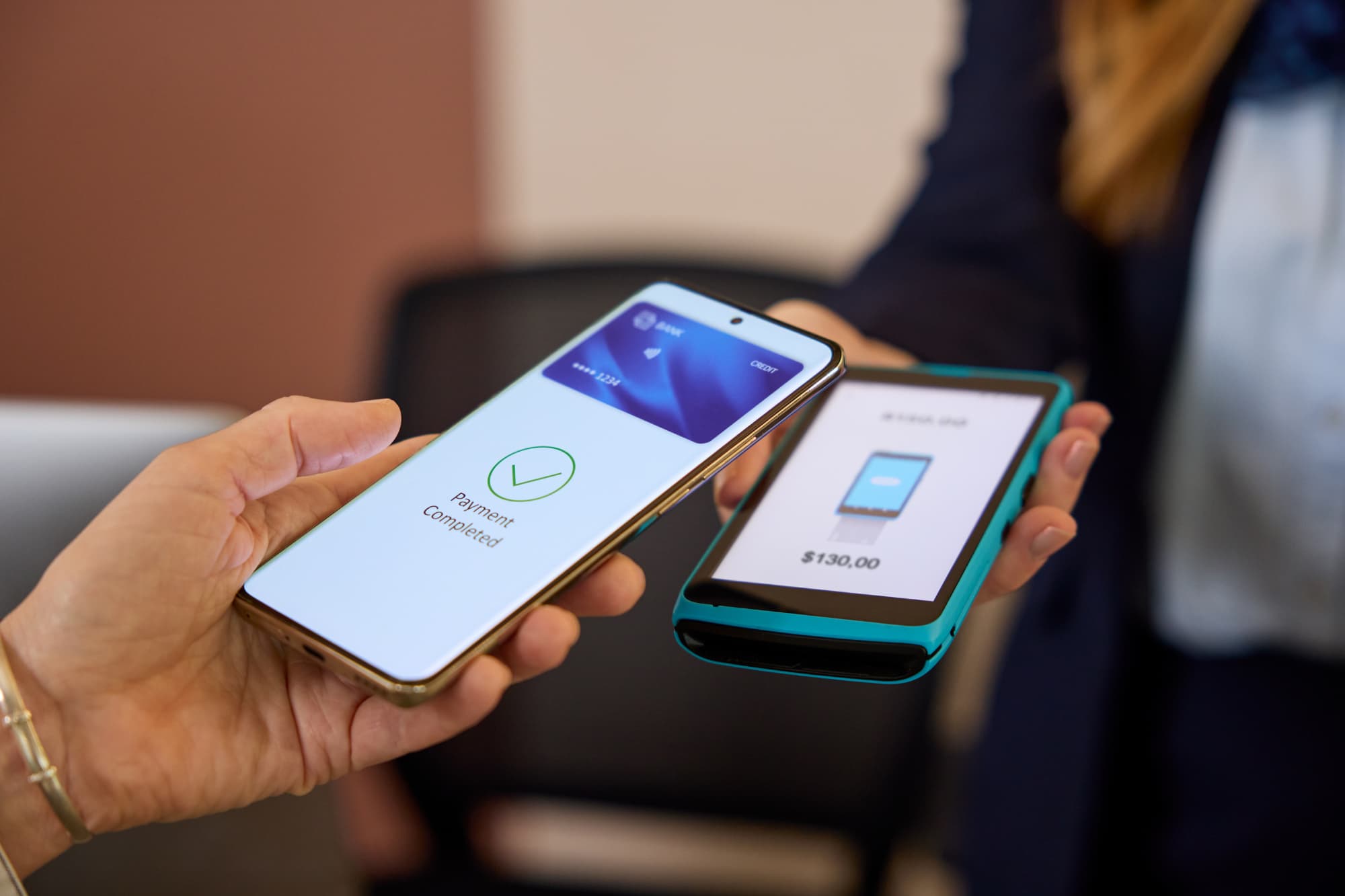
The process of checking out at a store has gotten faster, at least for people who use NFC payment methods. All they have to do is tap their phone at the register and head out the door. No more digging for a wallet or credit card or finding cash.
Many people who use NFC payments don’t spend much time considering whether or not it’s safe to do so. The good news is that generally, NFC payments are safe. There is a longer answer, though, that involves the mechanics of tap-to-pay and how NFC works. Understanding the potential NFC security risks will help you decide when you want to use or avoid using this technology.
Even though there are a few risks, they are manageable. Being informed about technology solutions is always a good idea! With some useful information, you can use this convenient payment solution with clear eyes, not vague worry.
What Is NFC?
NFC stands for near field communication. It’s a short-range wireless technology that lets two devices exchange data when they’re very close to each other. Specifically, they have to be within a few centimeters.
Requiring the devices to be so close isn’t a defect or a limitation. Instead, the close-range requirement is a feature because it requires that communication can only happen when these two devices are practically touching.
Some of the common uses of NFC include:
- Tapping a smartphone at a payment terminal
- Waving a transit card (or phone) at a public transportation turnstile
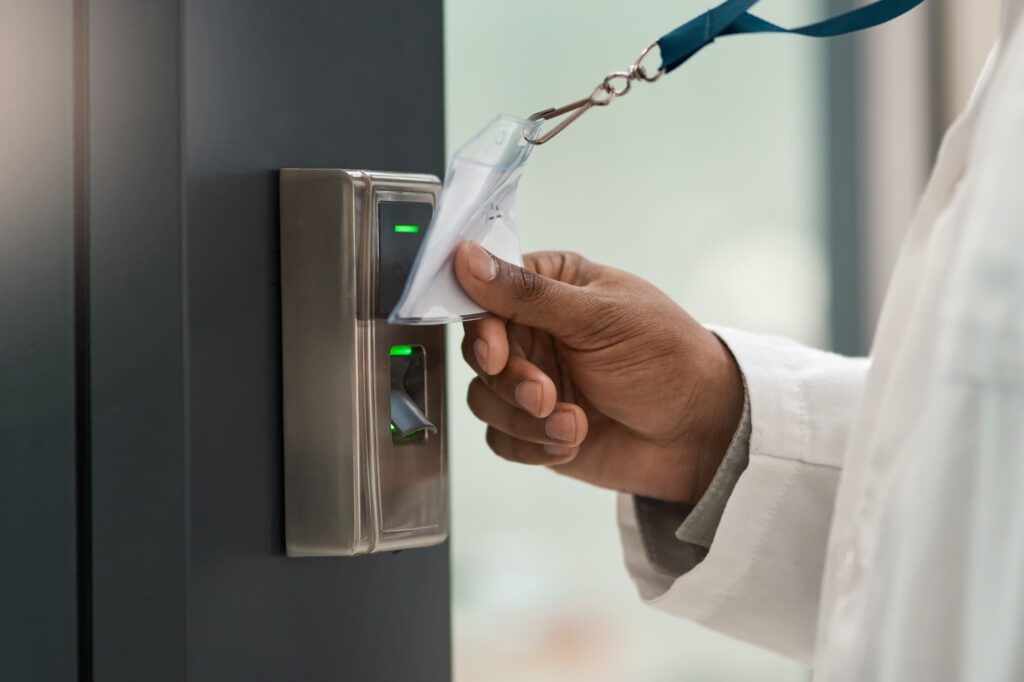
- Scanning an access badge at a door
NFC-enabled cards, phones, and wearables all use the same close-range communication technology, operating at 13.56 MHz. Radio waves transfer these small packets of data almost instantaneously.
The majority of smartphones manufactured over the last several years have NFC hardware built in, although not everyone uses the feature. Some people intentionally turn it off due to safety concerns.
On Android devices, you can usually toggle the feature on and off, whereas iPhones run in the background by default.
How Tap-to-Pay Actually Works
NFC payments are dependent upon layered architecture that includes a physical layer (the radio waves themselves), a data link layer, and an application layer. However, we want to focus on the layer of tokenization, which resides in the application layer of the tool.
When you add a credit or debit card to your digital wallet (such as Apple Pay, Google Pay, or Samsung Pay), your phone doesn’t actually store your card number. That means that your card never gets transmitted to a merchant when you’re making a payment. Instead, a unique token is generated and tied to your equally unique device.
During a transaction, your phone sends that token and a one-time cryptogram to that specific terminal, at that specific moment. (A cryptogram is a single-use code that is only valid for that one moment/interaction.)
Can someone intercept that signal? Even if they could, the data would be worthless, because that cryptogram can never be reused, and the token can’t be reverse-engineered to reveal your card number. The combination of cryptogram and token is completely meaningless after the contact between the two devices has come to an end.
And it’s fast! The entire exchange takes less than a second. In that moment, your bank does three things:
- Validates the cryptogram
- Maps the token back to your account on its servers
- Approves or declines the charge
Once again, the merchants never see your card number, and therefore it can’t be stored or saved by the terminal.
That’s why NFC payments are widely considered more secure than swiping a magnetic stripe card. NFC payments are more similar to chip cards, which also use tokenization and cryptograms for one-time approvals. However, NFC payments have one slight advantage over EMV chip cards. A stolen EMV card can be used at a payment terminal without an issue, until the fraudulent behavior is identified. Device-level authentication means that a stolen phone requires your fingerprint, face, or PIN before an NFC payment can go through.
What are the real NFC security risks?
Just because a tool has been designed with security in mind does not mean that using that tool is completely risk-free. There are risks to everything we do online. Fortunately, the risks are easy to understand, and some of them are more theoretical than practical. Very few of these risks are likely to affect an individual user.
Eavesdropping. An attacker with a specialized antenna could theoretically try to intercept an NFC transmission. But in practice, NFC’s centimeter-level range makes this extremely difficult. The attacker would need to be inches away. Even so, encrypted payment data is what they’d get.
Relay attacks. In a relay attack, two attackers work together — one near the victim’s device, one near a payment terminal — to silently pass a transaction between them. This is technically possible but requires equipment, coordination, and physical proximity. NFC data theft in this form is rare in real-world use, and most discussions of relay attacks are centered around car theft.
Malicious NFC tags. This one is worth paying attention to. NFC tags are not automatically a problem. They are small stickers or embedded chips you might encounter on product displays, posters, or public signage. Things can go wrong when a bad actor programs a tag to redirect whoever scans it to a phishing site or trigger an unwanted action on a phone. They can place a tag that looks innocent, but really makes a payment.
This is less of an NFC payment risk and more a social engineering risk: the danger comes from tapping something you shouldn’t, not from using tap-to-pay at a register.
Rising attack volume. Security researchers at ESET reported a 35-fold increase in NFC-related attacks in the first half of 2025 compared to the second half of 2024. That’s a significant jump. It reflects growing criminal interest in NFC as contactless payments become more common globally, not a sudden fragility in the technology itself.
Overhyped Fears About NFC
“Ghost tapping” or “digital pickpocking” is the name for what happens if someone walks past you in a crowd and silently makes close contact with your phone. It gets a lot of attention online, but there are very few scenarios where this could be a realistic risk.
Because you have to biometrically approve the use of a payment app, or use a PIN, the threat is largely meaningless.
NFC hacking is also frequently portrayed as something that can happen at a distance with minimal equipment. The physics make this impractical. NFC operates at a maximum range of a few centimeters. An attacker would need to be close enough that you’d notice, and even then, encrypted, tokenized data is what they’d get.
Practical Tips for Safer NFC Use
NFC payment security is strong by design, but a few habits make it stronger.
- Use biometric authentication. The most effective protection strategy against unauthorized NFC payments is to make sure your phone requires a fingerprint or face scan before payments go through.
- Be selective about NFC tags. Don’t tap your phone on NFC tags embedded in random signage, especially in places where tampering would be easy. If a tag seems out of place, ignore it.
- Watch for suspicious terminals. If a payment terminal looks tampered with or has something attached to it, use a different one or choose another method of payment. This applies to card skimming generally, not just NFC.
- Keep your phone’s software updated. Security patches close vulnerabilities, including any that affect NFC functionality. If a security vulnerability develops, a security patch should fix it.
Should You Disable NFC?
For most people, disabling NFC isn’t necessary. In fact, it can create more of an inconvenience than a security benefit. The technology’s built-in protections already handle threats well.
There are some situations where turning NFC off makes sense. For example, if you’re not planning to use tap-to-pay for a few days or weeks, disabling the NFC setting reduces your exposure to any unfamiliar UFC tags or hardware. Similarly, if you’re in an environment where your phone could be lost or accessed by someone else, then removing NFC access also eliminates one more potential attack point.
Lastly, if you need to temporarily remove security from your device, such as your lock screen or biometric protections, you should disable NFC so that payments can’t be made without your authorization.
How to Disable NFC on Your Phone
On Android:
The process varies slightly by manufacturer, but the general path is: Settings > Connections (or Network & Internet) > NFC and Contactless Payments, then toggle it off.
On many Android devices, NFC also appears as an icon in the quick settings panel. You can swipe down and tap it to disable without digging through menus.
On iPhone:
Unfortunately, Apple is a bit behind Android when it comes to configuring your NFC preferences. Apple doesn’t offer a true hardware-level NFC toggle on most iPhone models. Instead, NFC runs continuously in the background, primarily to support Apple Pay. On newer models in some regions, Apple has introduced a toggle under Settings > NFC that controls which apps and functions can access the chip, though it doesn’t cut power to the antenna the way Android’s toggle does.
For practical purposes: if you want to prevent NFC payments on an iPhone, removing your cards from the Wallet app is the most direct approach. Without payment cards in Wallet, Apple Pay won’t function, and your NFC chip won’t participate in payment transactions.
Background NFC tag reading can be limited through Settings > General on iOS versions that include the option, or through Screen Time restrictions on Wallet access.
The Bottom Line: NFC is Generally Secure
NFC payment security is genuinely strong.
With a combination of tokenization, one-time cryptograms, and biometric authentication, tap-to-pay is safer than swiping a magnetic stripe card in most real-world scenarios. The risks that do exist require physical proximity and significant effort, and they’re modest compared to the phishing attacks and data breaches that actually compromise most people’s financial information.
Using tap-to-pay at a trusted terminal with a locked, biometric-protected phone is a sound security choice. The more useful habit to build isn’t disabling NFC. Knowing not to tap your phone on unfamiliar tags and keeping your software current will take you further.